A route for beginners
Start in order and reach a visible result before choosing deeper topics. Every stage explains what to do next.
Start the guided pathGuided docs + interactive tours
Follow a clear path from your first project to a working full-stack app. Wappler combines sequential onboarding, practical documentation, real demo projects, and interactive tours inside the app.
Seven lessons, one practice project
The current Wappler learning experience is organized by what you want to accomplish, not by a wall of disconnected topics.
Start in order and reach a visible result before choosing deeper topics. Every stage explains what to do next.
Start the guided pathInteractive tours point to actual Wappler panels, editors, controls, and demo projects instead of leaving you with abstract instructions.
Explore Docs & ToursMove between the beginner course, How-to guides, Reference, Concepts, Troubleshooting, and product-area indexes.
Browse practical guidesWappler then vs. Wappler now
Older reviews and forum threads may describe a time when users had to assemble their own learning path. That is no longer an accurate picture of how a new user starts today.
The older experience
The current experience
Learn in context
Wappler tours can highlight the editor area you need, open prepared demo projects, show the result, and guide the next action. The exported web version keeps the same path available when you prefer to learn in your browser.
Explore Docs & Tours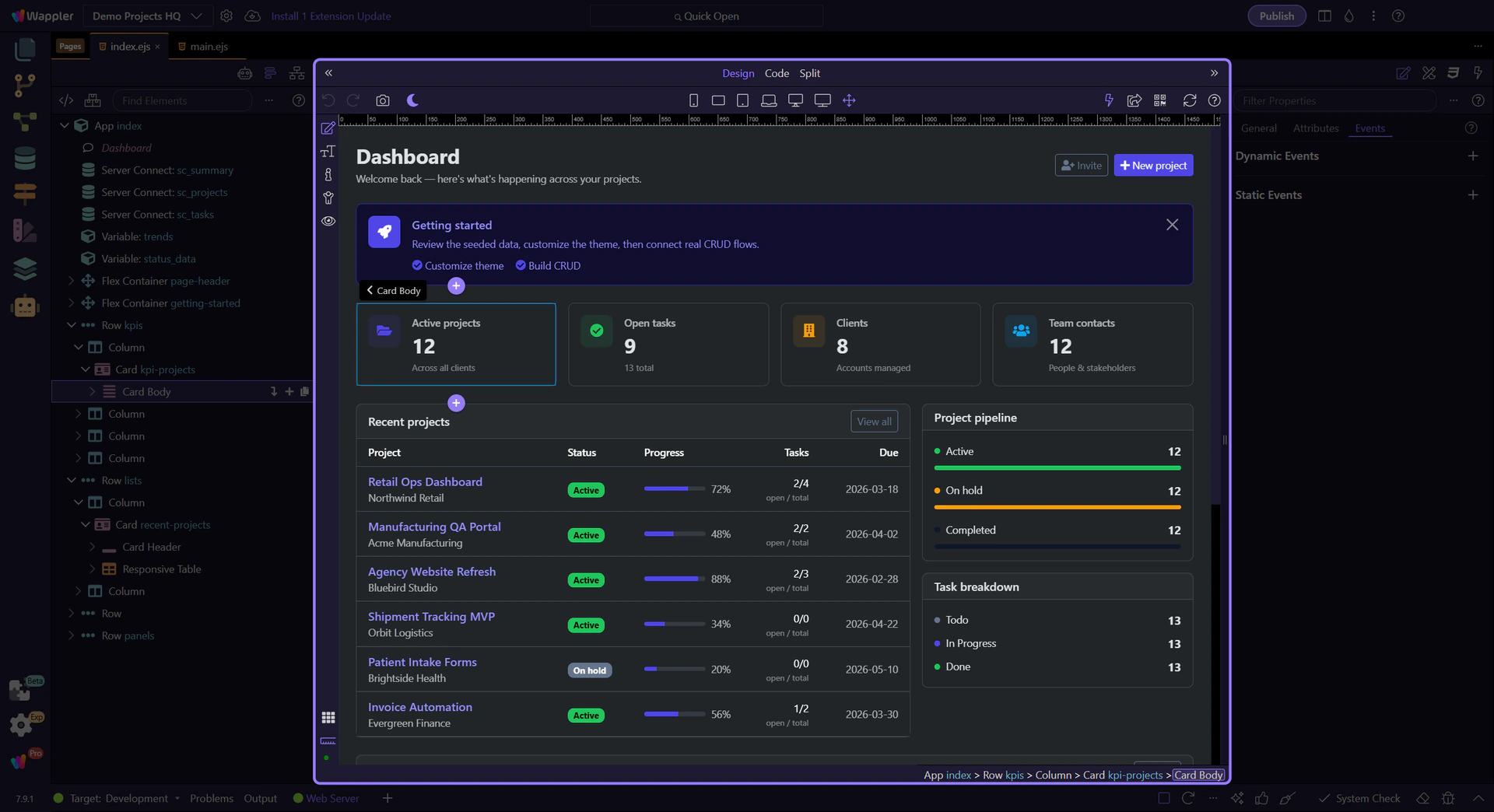
You do not have to read the manual from beginning to end. Start with the route that matches your goal today.
Build a Products page through seven ordered lessons in one practice project.
Start herePractical, task-based routes when you know what you want to build.
Browse how-tosLook up component settings, action inputs, editor controls, and framework behavior.
Open referenceUnderstand how the client, server, and database layers work together.
Explore conceptsDiagnose missing data and failing requests, then verify the correction.
Find a fixTranslate concepts from Bubble, Webflow, WordPress, code-first tools, and AI editors.
Choose your routeStraight answers
Start in the docs, then continue with the matching interactive tours inside Wappler.
Start learning Wappler Made in Wappler