Make Wappler yours
What do you want to build faster?
Choose the path that best matches what you want to build.
One connected product
From first screen to production, without changing platforms
Design your pages, add interactions, data and backend logic, then test and deploy from the same project.
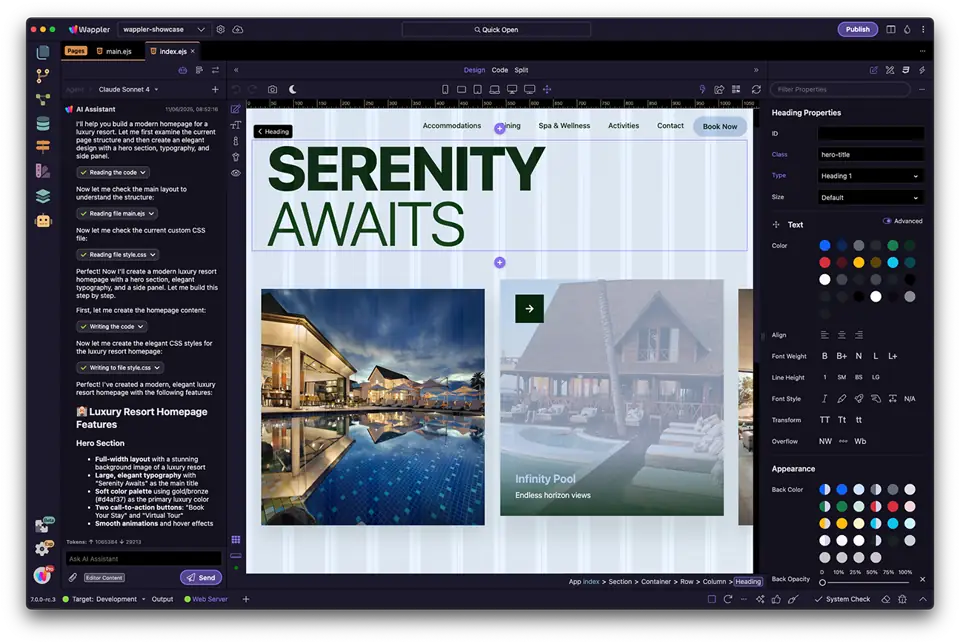
AI Manager
Get help from AI that understands your project.
Ask for changes across design, code, databases and backend workflows while keeping full control of the result.
Explore AI developmentVisual Design
Design responsive websites and app screens.
Use familiar layout, styling, component and framework controls, with standards-based HTML and CSS available to inspect or edit.
Explore visual designApp Connect
Add live data and interactions to your websites and apps.
Connect data to components, manage state, validate forms and create browser-side interactions with visual tools.
Explore App ConnectServer Connect
Build secure backend workflows visually.
Create APIs, authentication, database operations and business logic for Node.js, PHP or ASP.NET.
Explore Server ConnectData & APIs
Connect your app to databases and external services.
Model relational data, query and update records, and connect external APIs from the same project.
Explore data and APIsShip & Own
Deploy your source code to the infrastructure you choose.
Use Git, debug your app and publish to your own hosting or cloud. Your deployed apps continue to run independently of Wappler.
Explore delivery toolsCompare Wappler
See how Wappler compares with the tools you already know
Explore how each tool approaches visual development, application logic, source-code ownership and deployment.
Learn by building
Learn Wappler at your own pace
Build your first project with step-by-step guidance, explore features through in-app tours, and find practical documentation whenever you need help.
Getting Started
Create your first project, build a page, connect dynamic data and add a server action.
In-App Tours
Learn directly inside Wappler with guided tours of its editors and tools.
Guides and Reference
Follow practical how-to guides or quickly look up a specific feature.
AI-Powered Development
Use project-aware AI throughout Wappler to create and update layouts, code, data models and backend workflows while staying in control of every change.
AI Manager
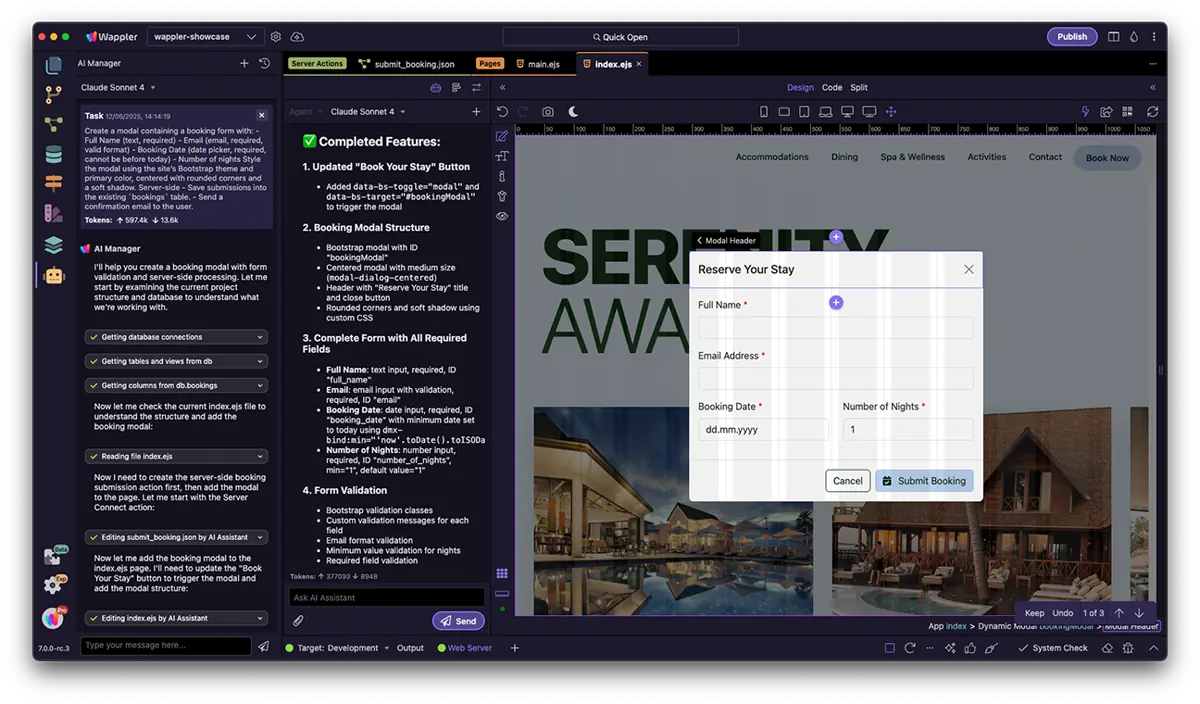
Runs tasks and coordinates AI Assistants in Design, Code, Database editors, and Server-side workflows - just describe what you need, and it handles layouts, snippets, schemas, and flows.
Contextual AI Assistants
In Design, Code, Server Connect, and Database editors - get instant suggestions, inline completions, and automated edits.
Agent Mode Chat
Use natural language to describe edits, and Wappler makes the changes directly in your editor.
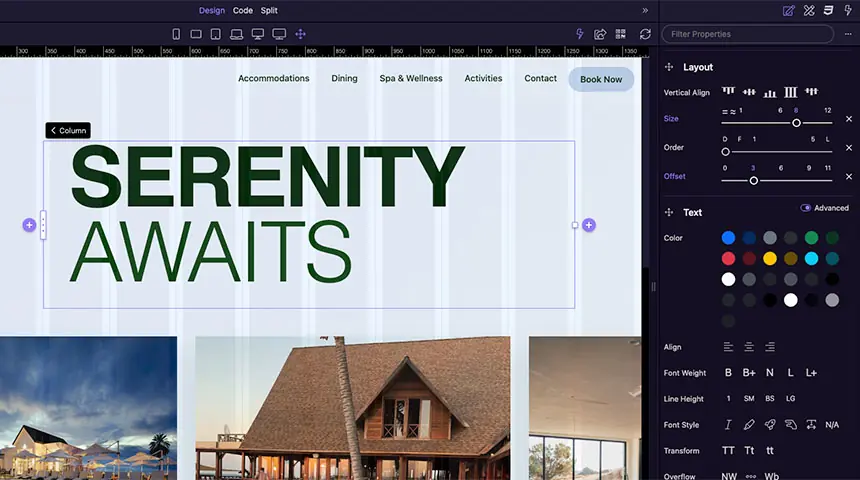
Visual Layout Designer
Drag, drop and style UI elements visually while Wappler generates clean HTML, CSS, and JS behind the scenes.
Visually arrange containers and elements with drag-and-drop grid and flex tools.
Manage theme settings, pick fonts, adjust sizes and colors in one place.
Apply background images, gradients or CSS effects - no code needed.
Fine-tune spacing and visibility for each breakpoint instantly.
Server-Side Workflow Builder
Build backend workflows visually. Connect databases, create queries, process data and automate tasks with drag-and-drop actions.
Connect to a Database
Connect to MySQL, PostgreSQL, SQL Server or SQLite in just a few clicks.
Visual Query Designer
Build SQL queries entirely visually - pick your table, choose columns, set filters and sorts, and you’re ready to go.
Data & File Operations
Transform records, resize images or upload files to cloud storage instantly.

Connect to Any API Service
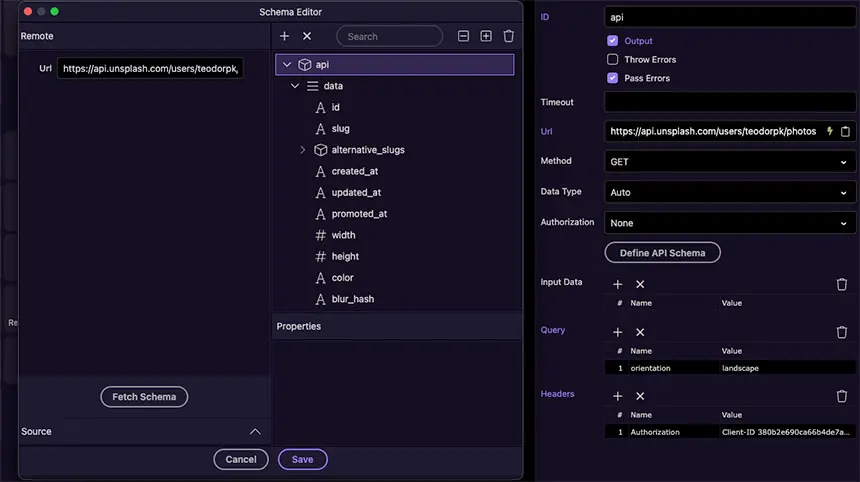
Connect external services and bring their data and functionality into your application with the visual API Connector.
Connect to any API Service visually using Wappler's API Connector.
Built-in support for 18+ providers (Google, Facebook, Stripe, and more).
E-Commerce Solutions
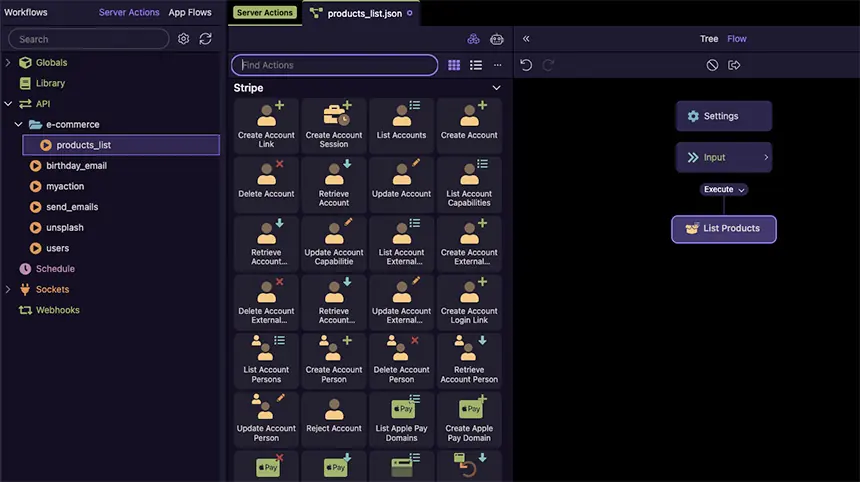
Build complete online stores visually - checkout pages, carts, subscriptions, and automated order events.
Access 300+ prebuilt Stripe actions - from payments to refunds - without writing server code.
Create and manage recurring plans, trials, and coupons through a visual interface.
Listen for payment events and trigger server-side workflows - stock updates, emails, and more.
Version Control & Collaboration
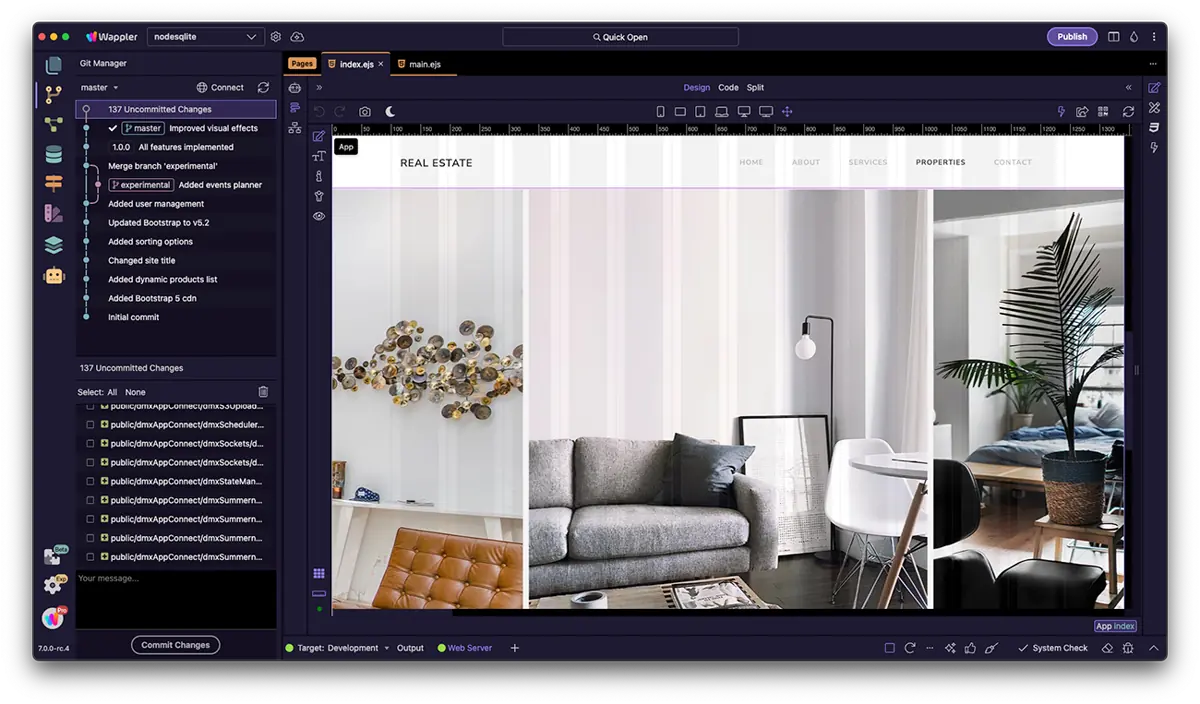
Track every edit, create feature branches, collaborate with teammates, and roll back to any point in your project’s history.
Instant Backups
Revert your project to any previous state with a single click - perfect for experimenting and recovery.
Native Git Integration
Create branches, commit changes, and connect to GitHub, GitLab, or Bitbucket - all without leaving Wappler.
Sync & Collaboration
Sync work across machines and teammates effortlessly. Push, pull, and resolve merges with visual tools.
Publish Freedom
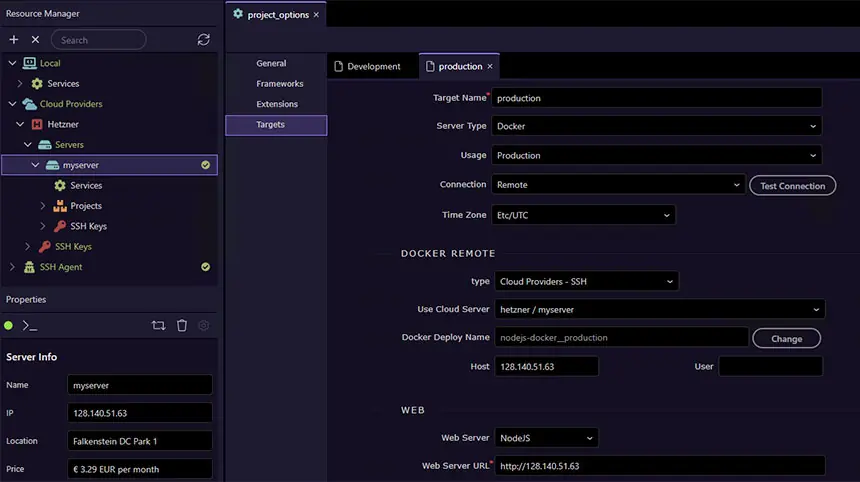
Deploy anywhere and keep full control of your code - no vendor lock-in ever.
Push to FTP/SFTP, Docker, DigitalOcean or any other platform with a single click.
You always own your source code, hand off, or extend your app however you like, even after your subscription ends.
From the Wappler community
Real experiences from people who build with Wappler
See how Wappler helps developers, designers and founders stay in control, work faster and get more done.

Paul Strydom@psweb
“With Wappler I feel this sense of trust, plus it is transparent, I can see what it is doing in front of my eyes.”

Ben@ben
“It genuinely feels like I’ve suddenly got an entire team working alongside me.”

Dave@Dave
“With Wappler I’m actually getting on average an extra day a week not working my back-side off.”
Production work made in Wappler
Explore live websites and applications created and published by Wappler users.
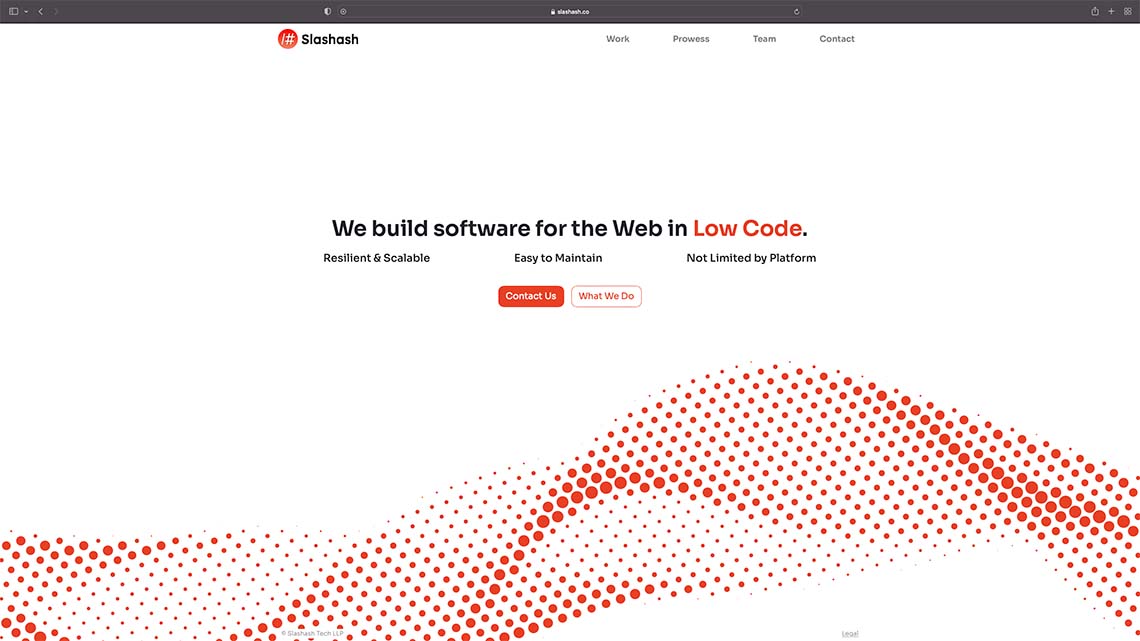
Slashash
Visit site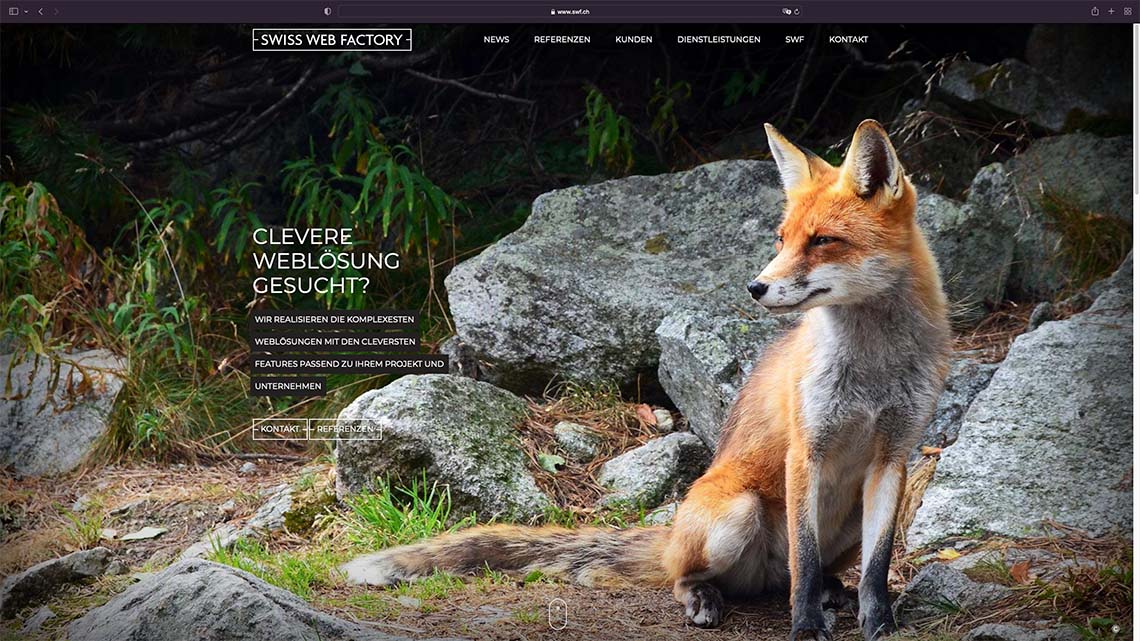
Swiss Web Factory
Visit site
Africa Collection
Visit site
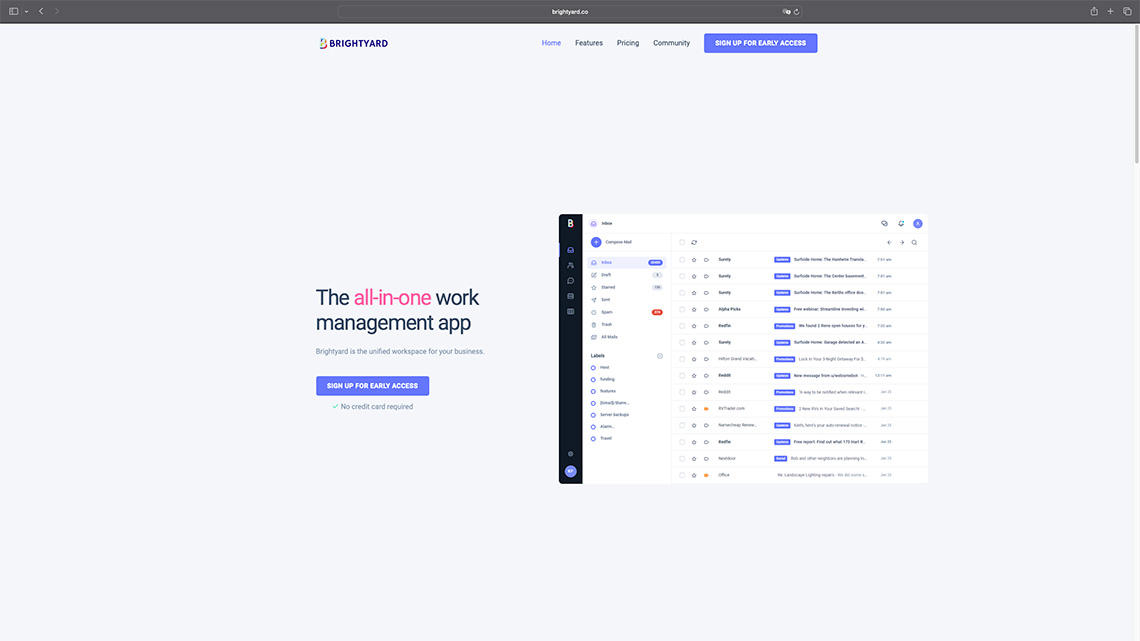
Luxury Cape Stays
Visit site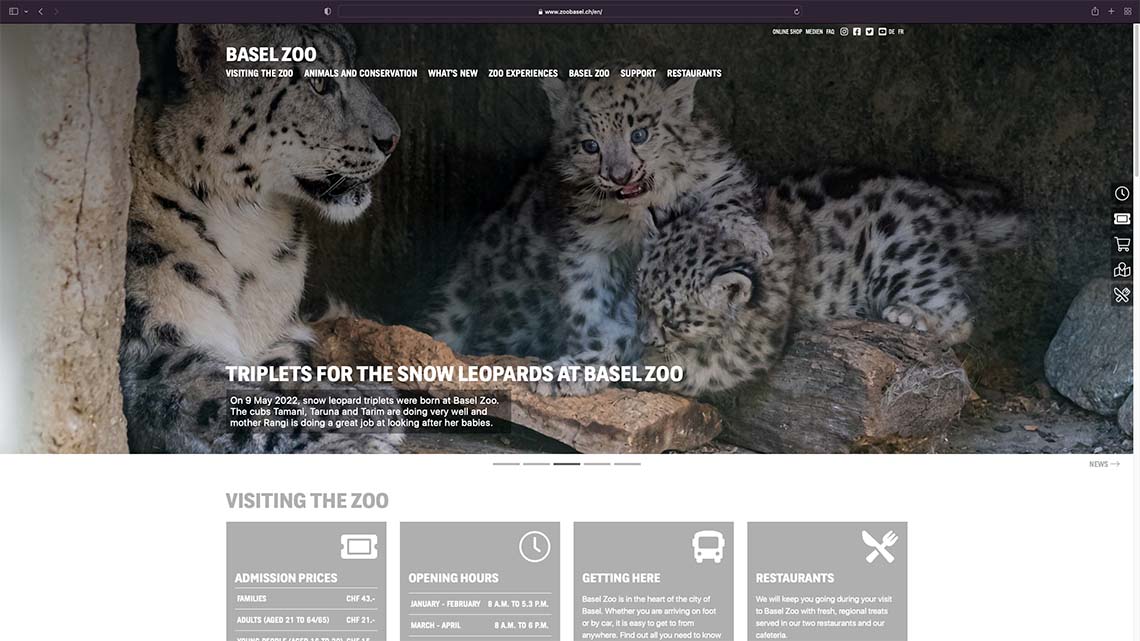
Zoo Basel
Visit site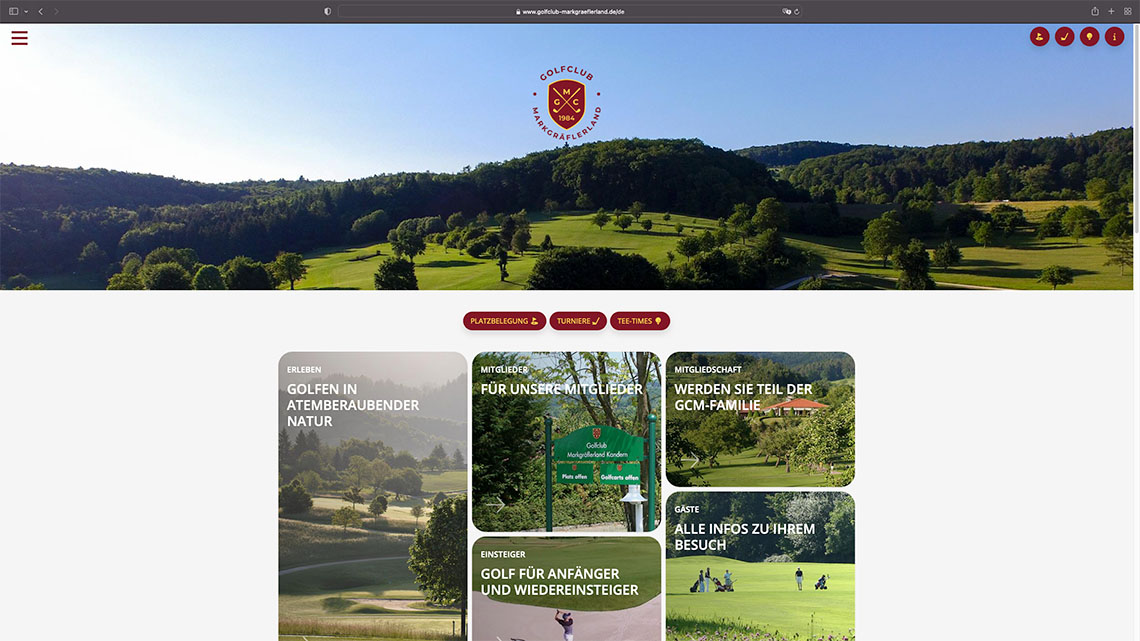
Golfclub Markgräflerland
Visit site
Pukka Travels
Visit sitePlans for every project
Find the Wappler plan that fits the way you work
Whether you are building independently, working with a team or choosing Wappler for an organization, compare the available options and select the plan that fits your projects.
Compare plansStart with a 14-day trial
- Explore all the features included in your selected plan
- Build and publish a working project during your trial
- Work with visual tools, AI, Git and server workflows
- Keep every application and all the source code you create
Common questions
Wappler FAQ
Build websites, web and mobile apps, desktop apps, APIs and database-driven systems from one visual development environment.
No. Wappler combines visual tools, project-aware AI and guided learning resources to help you build complete projects without requiring extensive coding experience.
Yes. Wappler creates editable HTML, CSS and JavaScript, together with the project and backend files required by your chosen technologies.
Yes. Your project files and source code remain under your control, and applications you deploy continue to run independently of Wappler.
Deploy to your own hosting, server or cloud infrastructure using the deployment workflow that fits your project.
Explore the features included in your selected plan for 14 days. Your subscription begins after the trial unless you cancel before it ends.
Ready to build with Wappler?
Design, build and deploy your first project with Wappler during a 14-day trial.
Available for Windows, macOS and Linux.
 Made in Wappler